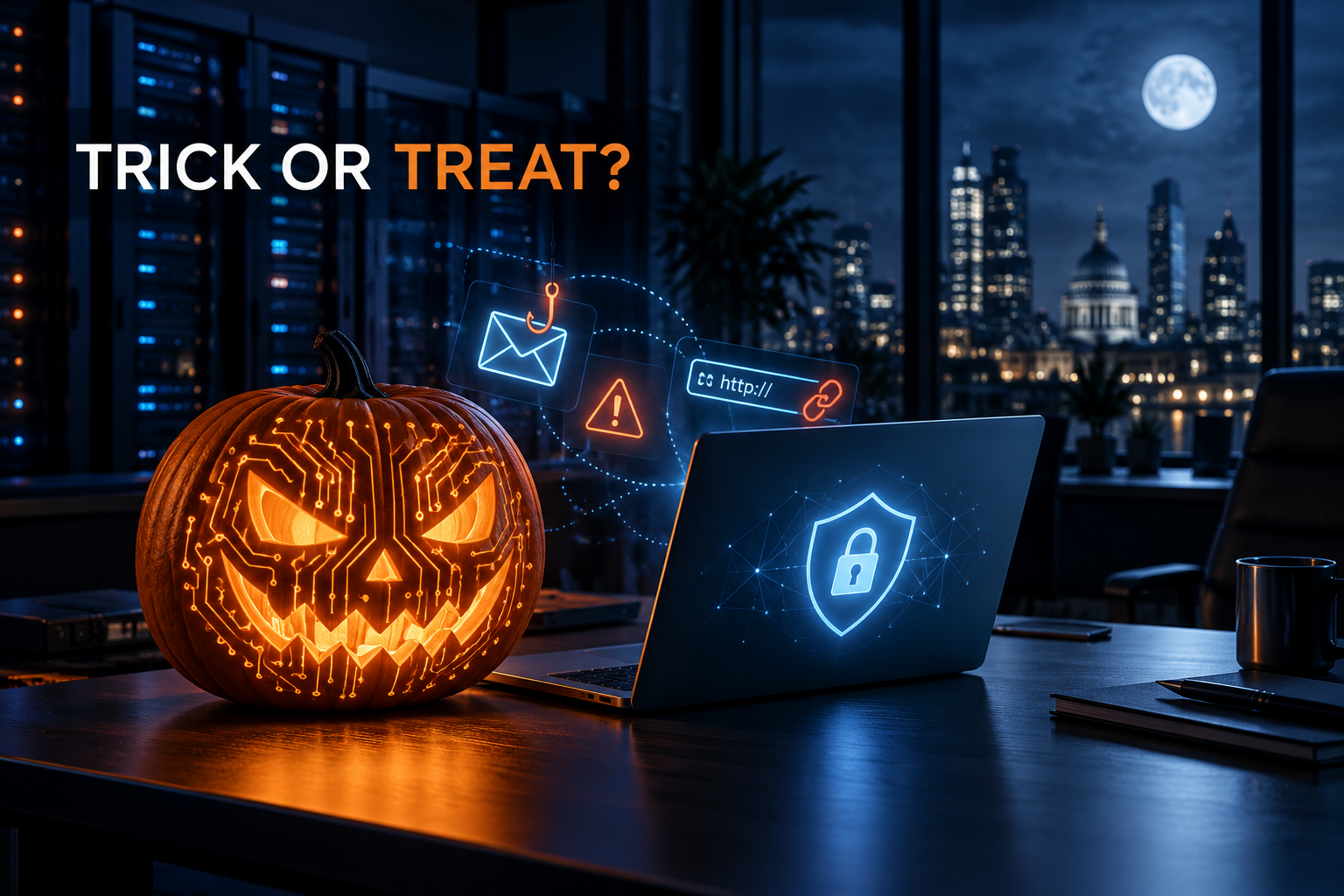
Halloween is a time for costumes, surprises and things that go bump in the night. Unfortunately, cyber criminals enjoy disguises too, and their tricks can be considerably more expensive than a smashed pumpkin.
From convincing phishing emails to malicious attachments dressed up as legitimate documents, modern cyber threats are designed to make us open the door before we realise who is knocking.
This Halloween, let’s examine some common cyber security tricks and the protective treats that can help keep your business safe.
Trick: A frighteningly convincing phishing email
A message arrives that appears to come from Microsoft, a supplier or a senior colleague. It warns that your account will be suspended, an invoice is overdue or an urgent payment must be approved.
The branding looks genuine. The request sounds plausible. The link, however, leads somewhere much less friendly.
Phishing attacks use urgency, familiarity and fear to encourage people to act without checking. Once credentials are entered into a fake page, criminals may gain access to email, files and business systems.
Treat: Pause and verify
Before clicking, check the sender’s full address and inspect where links actually lead. Be suspicious of unexpected urgency, unusual payment requests and messages asking you to sign in.
If the request involves money, passwords or sensitive information, verify it using a trusted contact method, not the telephone number or reply address supplied in the message.
Trick: The password that comes back from the dead
Reusing the same password across several services allows a breach elsewhere to haunt your business long after it happens.
Criminals routinely test stolen email addresses and passwords against other websites. If the same credentials protect Microsoft 365, remote access or another business service, one compromised account can open several doors.
Treat: Unique passwords and multi-factor authentication
Use a reputable password manager to create a strong, unique password for every important account.
Multi-factor authentication adds another verification step. It cannot prevent every account compromise, but it makes a stolen password far less useful on its own.
Trick: The mystery attachment
An unexpected invoice, shared document, delivery notice or CV arrives as an attachment. Opening it may install malware, steal information or provide criminals with an initial route into the business.
Attackers know that ordinary business documents rarely look frightening. That is exactly why they use them.
Treat: Handle unexpected files carefully
Confirm unusual attachments with the sender before opening them. Keep operating systems, browsers and applications updated, and use centrally managed endpoint protection across business devices.
Staff should also have a simple, blame-free way to report suspicious messages quickly.
Trick: The invisible intruder
Some cyber attacks do not immediately lock files or display a ransom demand. Criminals may quietly monitor a mailbox, create forwarding rules or study conversations before impersonating someone at exactly the right moment.
A payment request can appear particularly convincing when the attacker understands the organisations, people and projects involved.
Treat: Monitor accounts and payment changes
Review suspicious sign-ins, mailbox rules, forwarding settings and administrator activity. Unexpected changes deserve prompt investigation.
Any request to change bank details should be verified using a known telephone number and an agreed internal process, regardless of how convincing the email appears.
Trick: A backup that vanishes when you need it
A successful backup notification can create comforting, but sometimes misplaced, confidence.
Backups may be incomplete, accessible to the same compromised accounts as live systems or impossible to restore within the time the business expects. Discovering that during a ransomware incident is an unpleasant surprise.
Treat: Test the recovery
Identify which systems and data the business needs to recover first. Protect backup copies from ordinary user and administrator access, then perform documented restoration tests.
The real question is not simply “Do we have a backup?” It is “Can we safely restore the business within an acceptable time?”
Trick: The forgotten account
Former employees, unused administrator accounts and old supplier access can remain hidden inside systems for years.
Every unnecessary account is another potential entrance, especially when it is poorly monitored or protected by an old password.
Treat: Keep access under control
Use a consistent process for starters, role changes and leavers. Give people only the access they need, remove permissions promptly and review privileged and third-party accounts regularly.
Individual accounts are preferable to shared credentials because they improve both security and accountability.
Trick: The monster under the server rack
Unsupported software, missed patches and ageing infrastructure may continue working quietly until a vulnerability, failure or capacity problem brings them into the spotlight.
Technology risks often look harmless while they remain out of sight.
Treat: Maintain and monitor your systems
Keep an accurate inventory of devices, applications, servers and cloud services. Apply important security updates promptly, monitor critical systems and create a planned replacement path for unsupported technology.
Preventative maintenance is considerably less dramatic than emergency recovery. That is precisely the point.
Don’t let cyber criminals collect the treats
Strong cyber security does not depend on one magical product. It comes from combining secure accounts, aware employees, maintained systems, protected backups and a practised response plan.
This Halloween, take a moment to ask:
- Is multi-factor authentication protecting every important account?
- Could staff confidently identify and report a phishing attempt?
- Are unusual payment requests independently verified?
- Have backups been restored and tested recently?
- Can the business respond if an incident happens tonight?
If any answer is uncertain, the most frightening risk may be the one nobody has checked.
Astley Digital helps UK businesses manage cyber security, IT, servers and backups with clear advice and expert support. Explore our cyber security services or speak to our team about making your technology safer, stronger and less scary.
Happy Halloween from Astley Digital. Stay alert, stay secure, and think before you click.
Ready for a clearer technology plan?
Tell us what is slowing your organisation down. We will help you identify the practical next step.